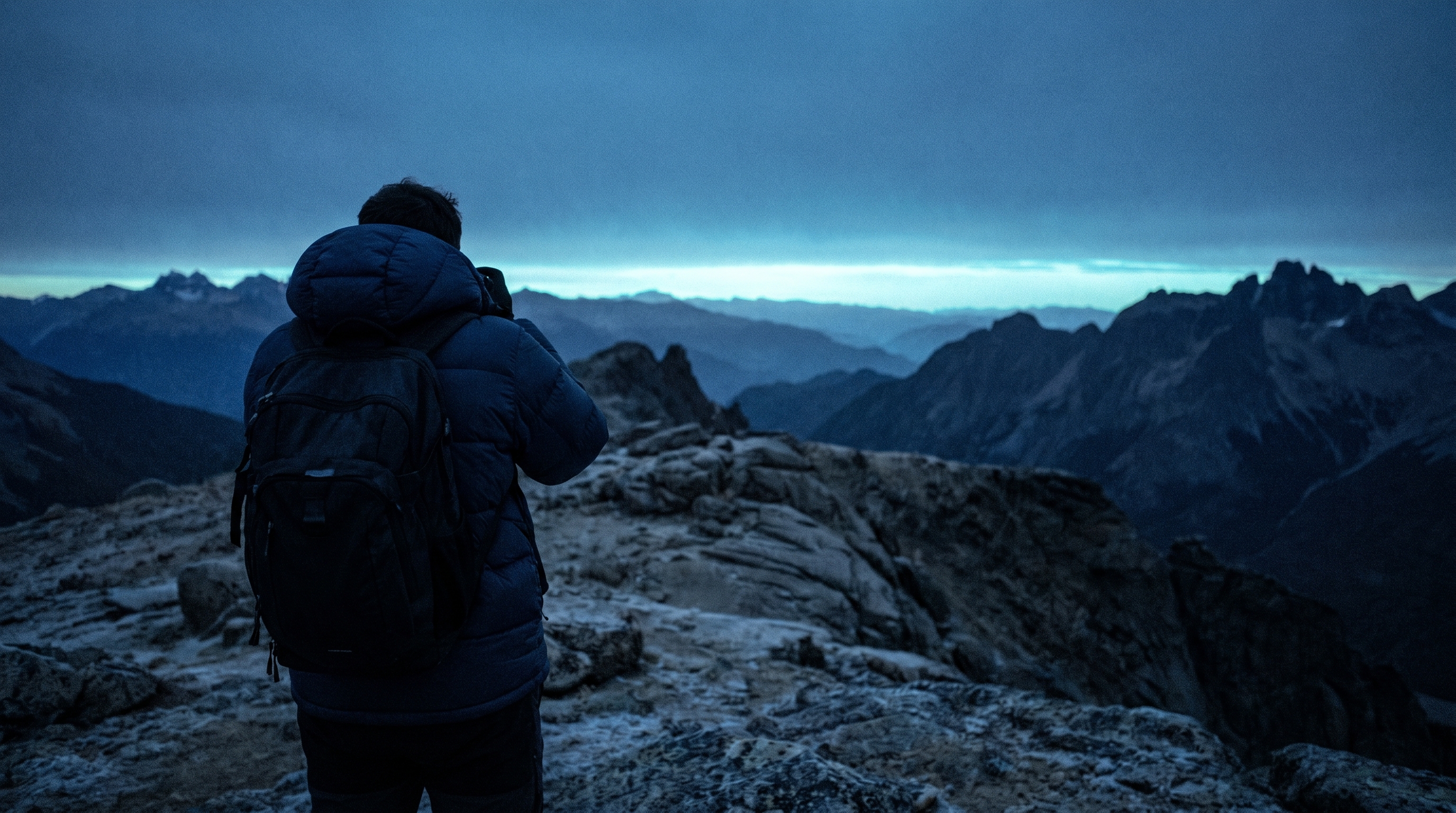
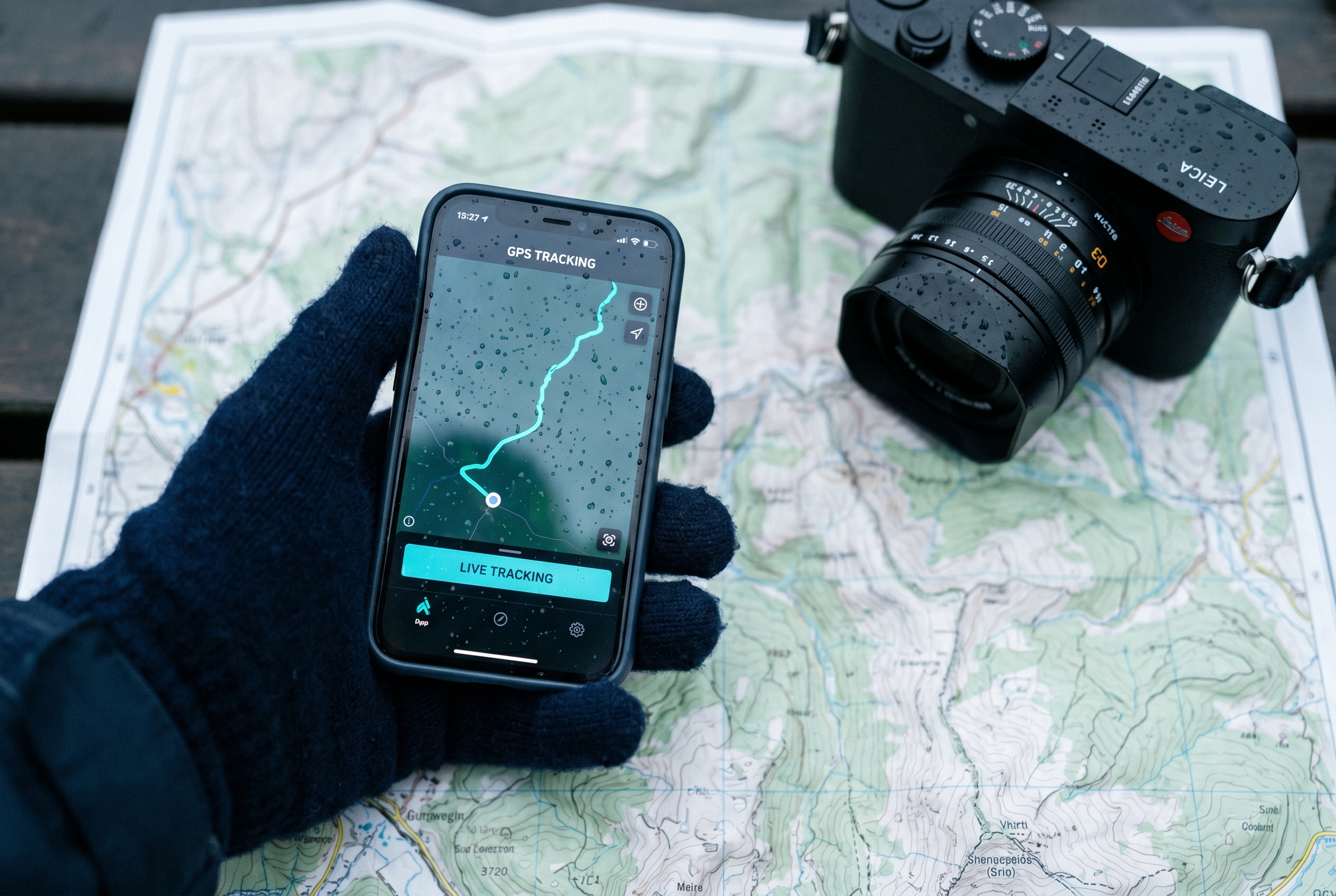
Open LightGPX before your shoot and start recording. Slide the phone in your pocket and shoot for as long as you want. The phone records your location in the background.
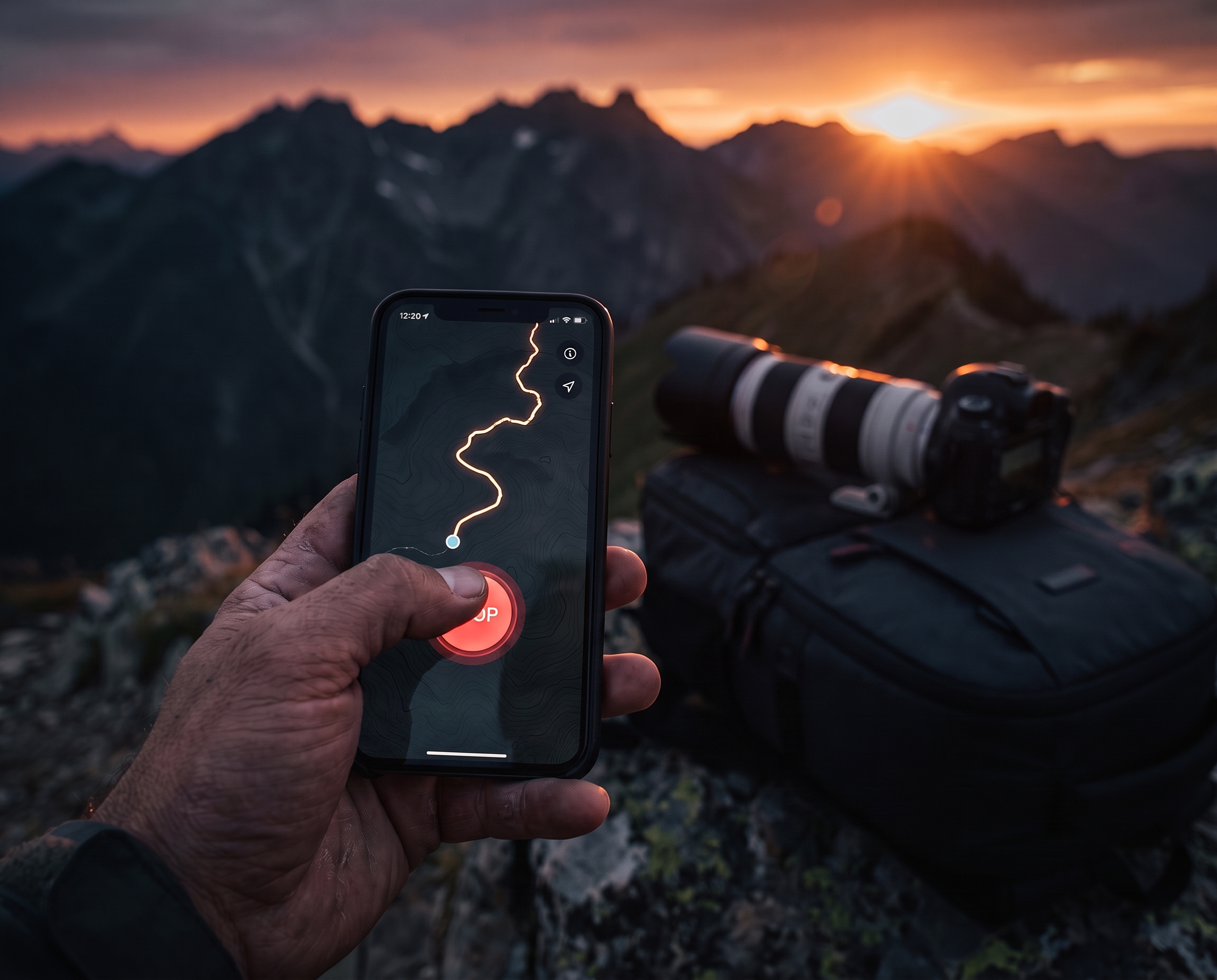
Whenever you're finished shooting, hit stop. The trip is saved and synced to your account. You can record your location for days.
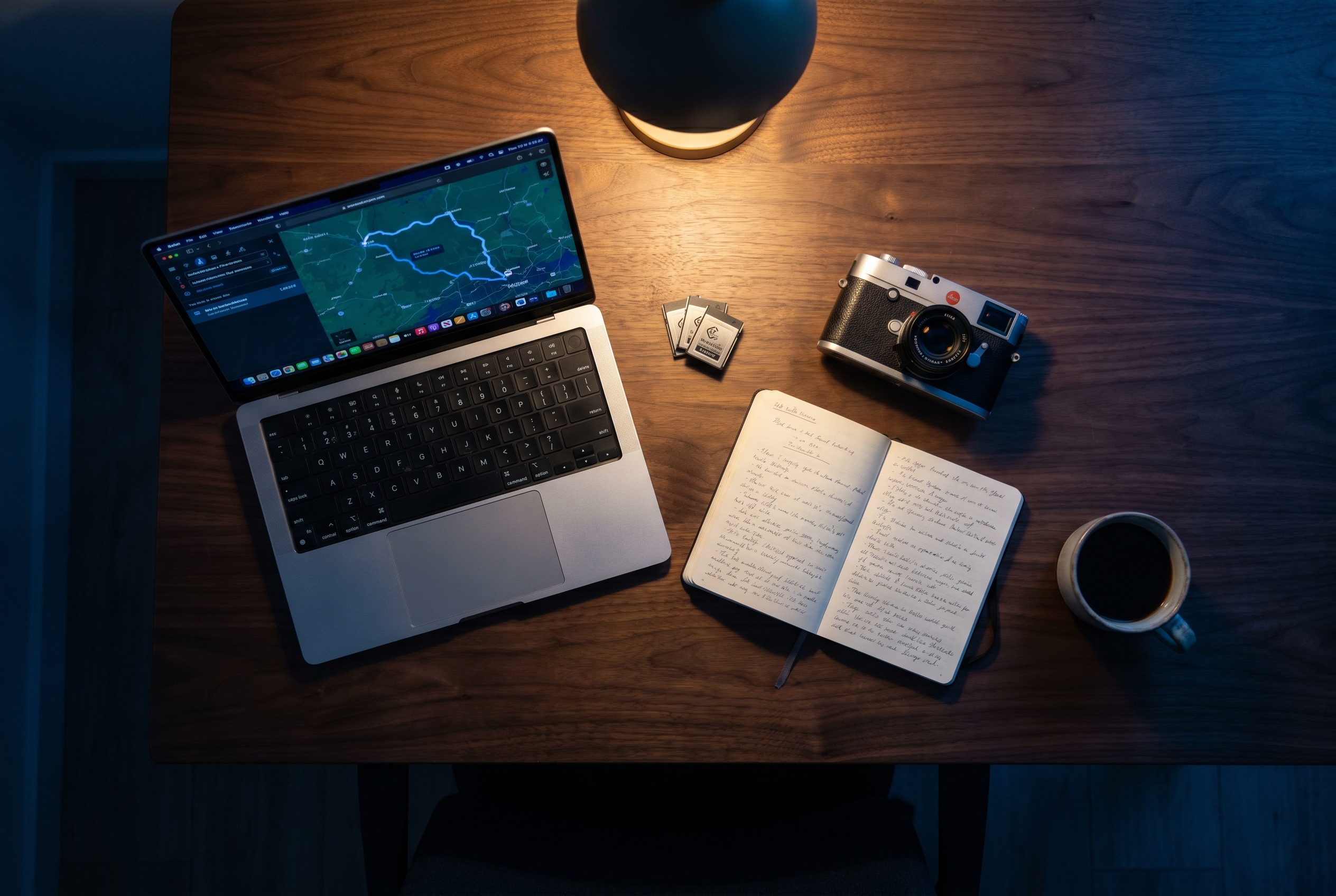
Pull the photos off your camera the way you always do. Open LightGPX on the Mac, create a project, point it at the folder. Every photo gets geotagged automatically.
Coming to iPhone and Mac. Free to join. We're inviting photographers in small groups, so drop your email and we'll reach out as spots open.
To geotag your photos, the iOS app needs to be logging GPS while you shoot. The Mac app uses that log to geotag them later.
Doesn't matter. Your iPhone records GPS locally the whole time and sends it to your Mac the next time it sees Wi-Fi or cell.
Yes. It sits in your pocket. The screen can stay off, and it works in airplane mode.
Any digital camera. Canon, Nikon, Sony, Fuji, Leica. Your camera does not need GPS.
You take one photo of your iPhone's clock screen at the start of the shoot. The Mac app uses it to line your camera's clock up with the GPS trip.
GPS coordinates are added to each photo. Your favorite photo editor reads the location automatically.
Yes. RAW files are geotagged in place.
On your iPhone, on your Mac, and in your own private encrypted account. No third-party analytics. No ads. No resale. Delete the account from inside the app and every point is gone.
Pricing is not final. The waitlist is free. We're aiming for a one-time purchase with an optional cloud tier.
We're inviting selected early users from the waitlist as new spots open. Drop your email and we'll reach out.